
This Quick Setup guide – Woo Order API Integration walks you through the essential steps to immediately establish a connection for synchronizing your WooCommerce orders with any external API, such as an ERP, CRM, or Chatbot system. Before proceeding, ensure you have already set up and configured your desired API Key (e.g., Basic Auth or Bearer Token) in the AnyAPI settings.
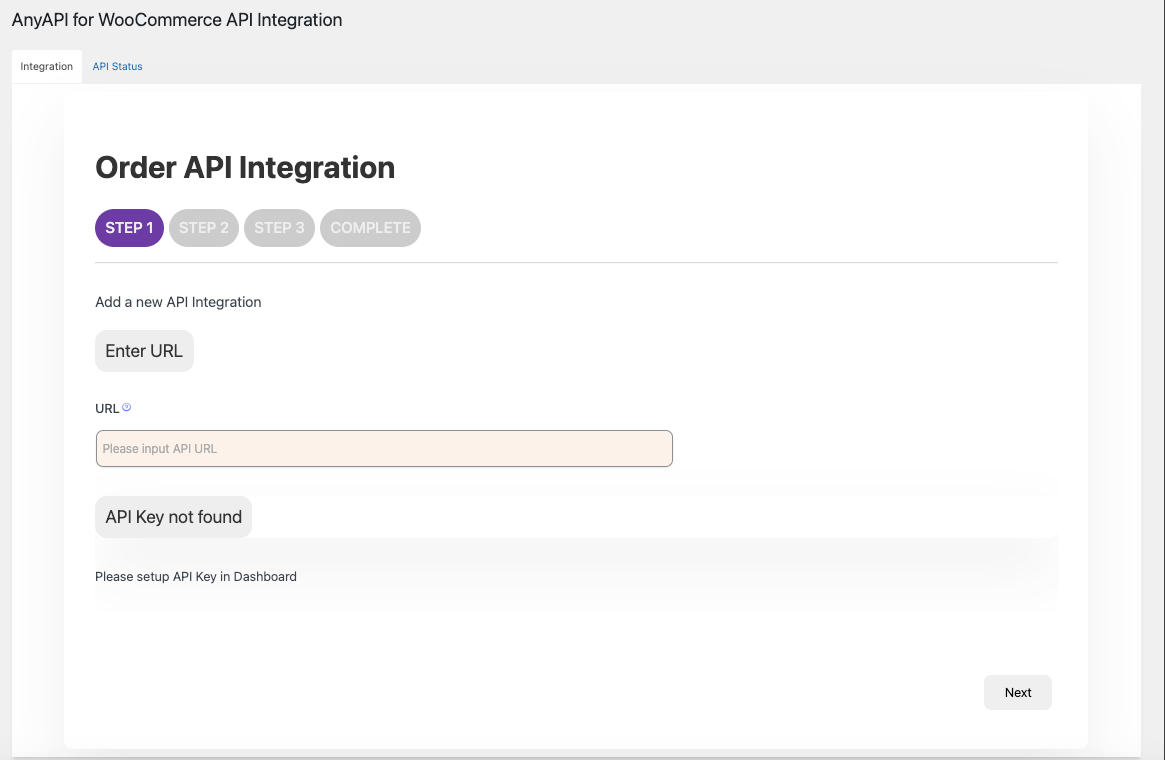
Before you can establish an Order API Integration, you must first configure your authentication credentials. If you haven’t done so, please review our guides on How to set up your Basic Authentication Key or Configuring a Bearer Token for API calls.
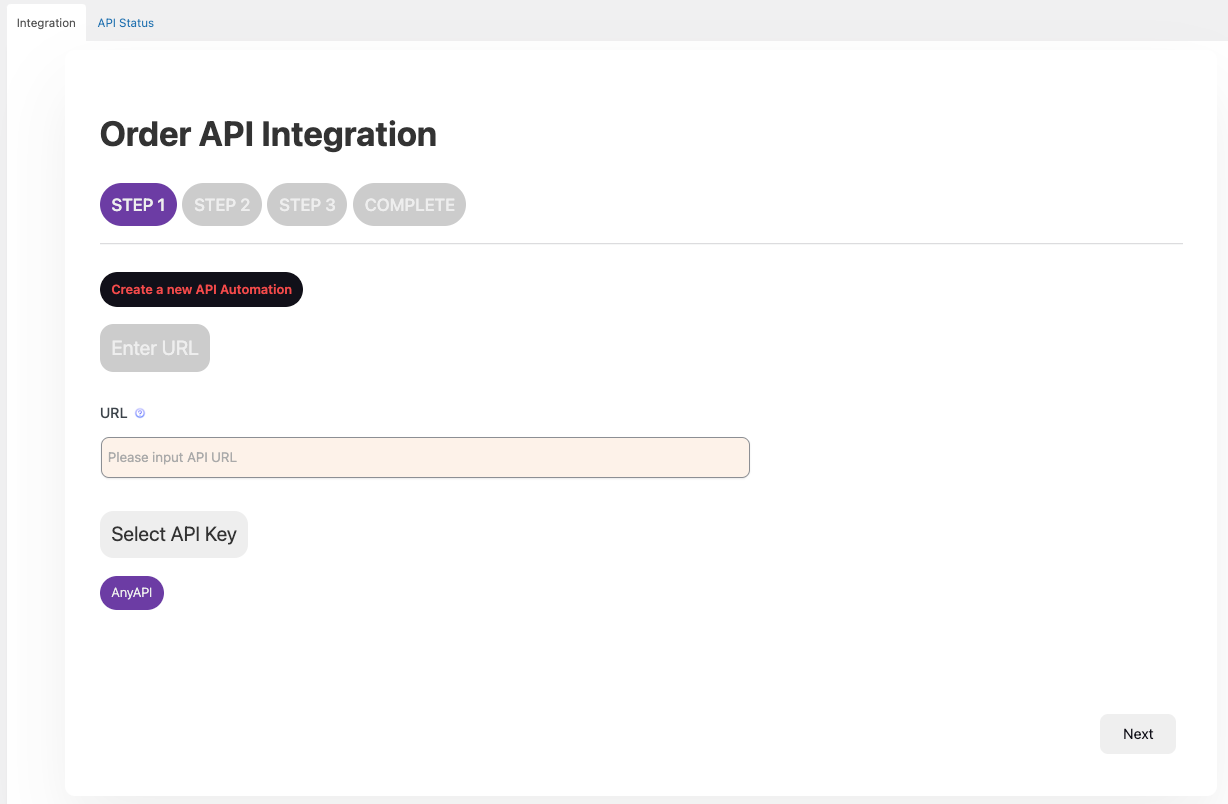
Step 1 : Define API Endpoint and Authentication (API Key).
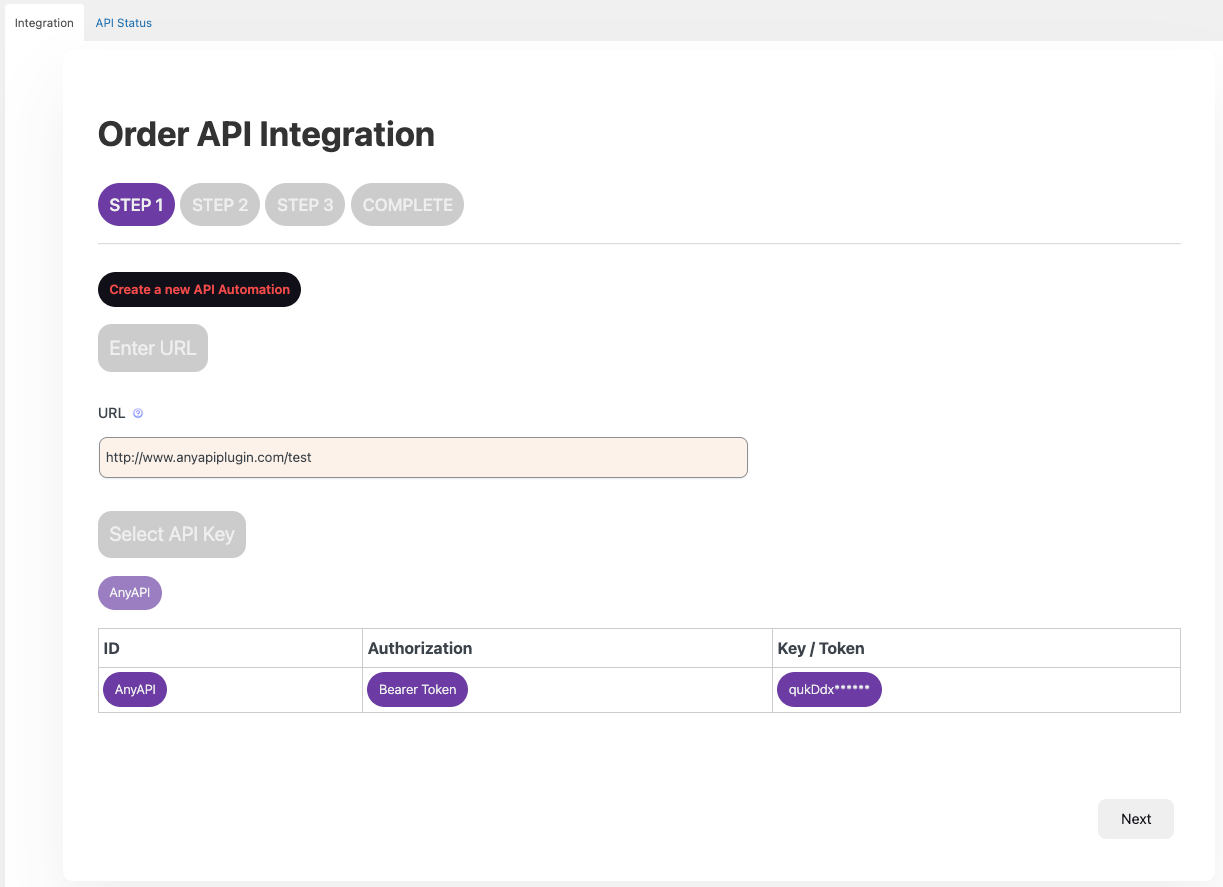
- API URL: Enter the full destination URL (API endpoint) where you want the WooCommerce order data to be sent. This URL should typically accept
POSTorPUTrequests depending on your external system’s requirements. - API Key: Select the API key you previously configured (e.g., the name you assigned to your Basic Auth or Bearer Token). Selecting the key automatically handles the authentication headers, ensuring a secure and valid connection to your external system.
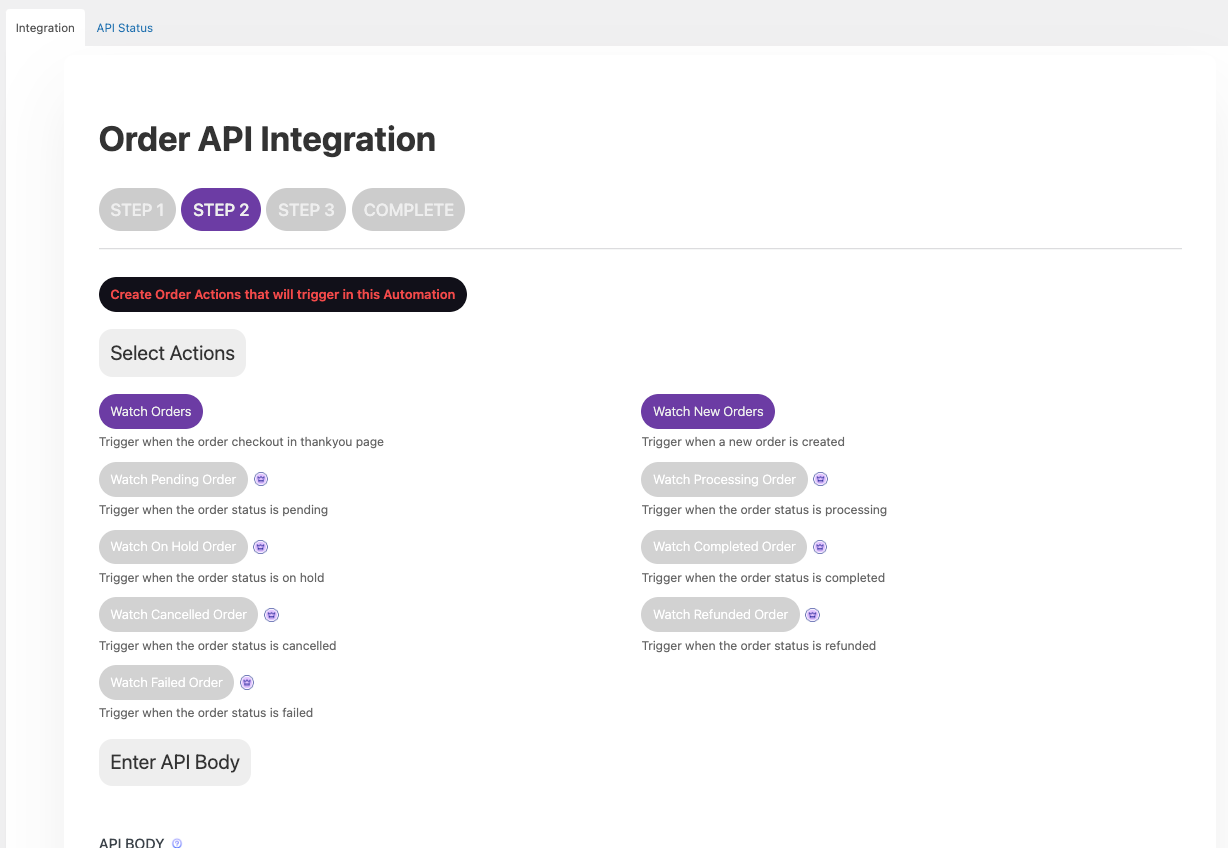
Step 2: Selecting Order Actions and Configuring JSON Body
A. Select Order Actions (Triggers):
B. Input API Body (JSON Payload):
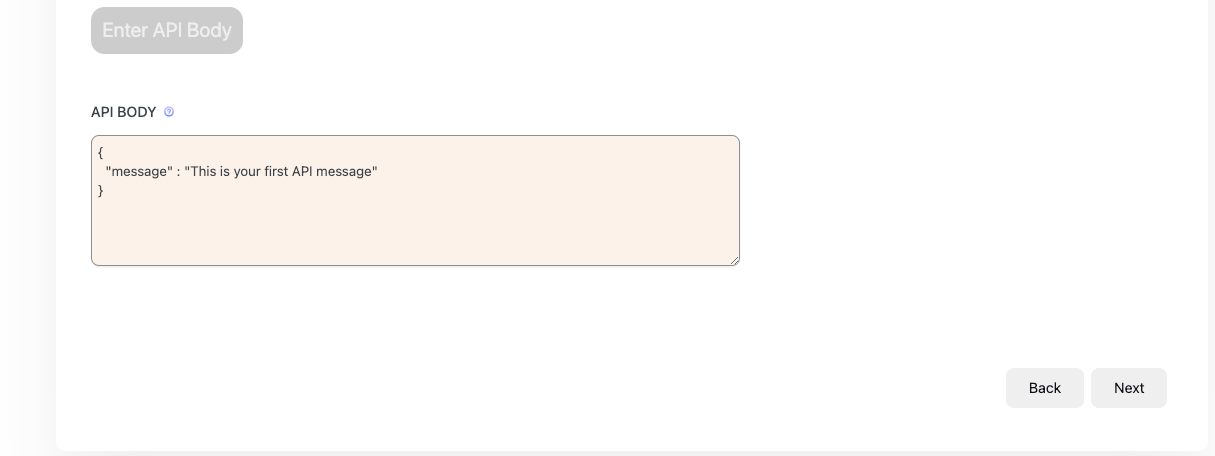
This is where you define the structure of the data sent to your external API.
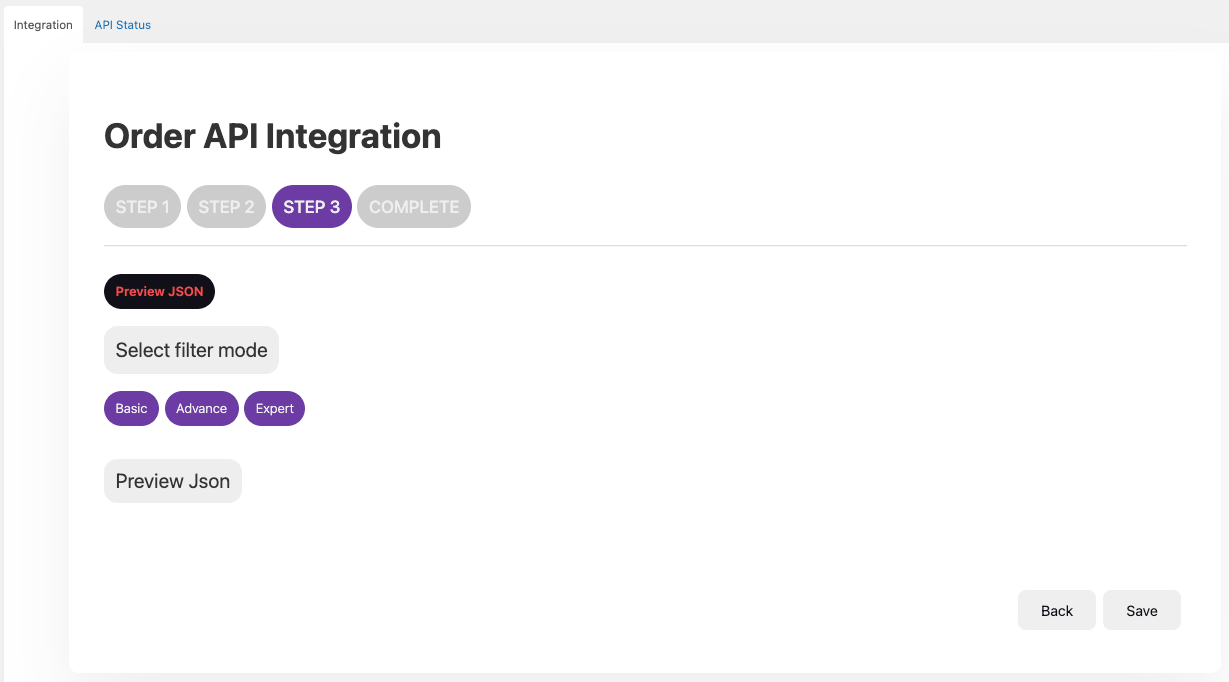
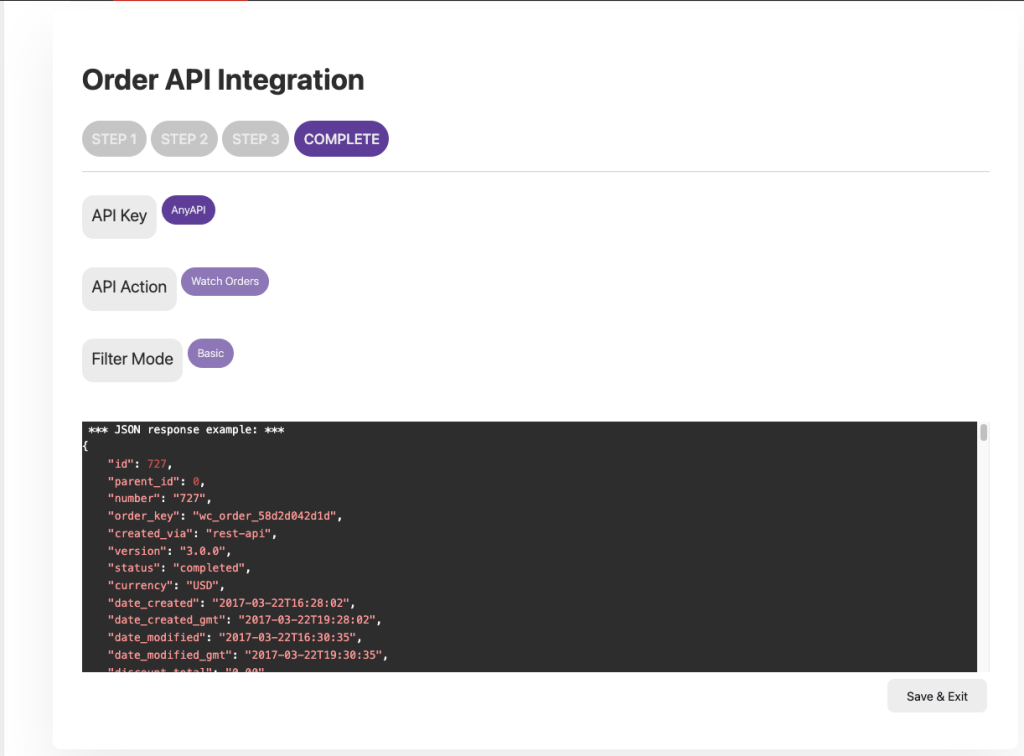
Once all fields, triggers, and the API body are configured, click Save. Your WooCommerce Order API Integration is now active and will automatically push data upon the selected order status changes.
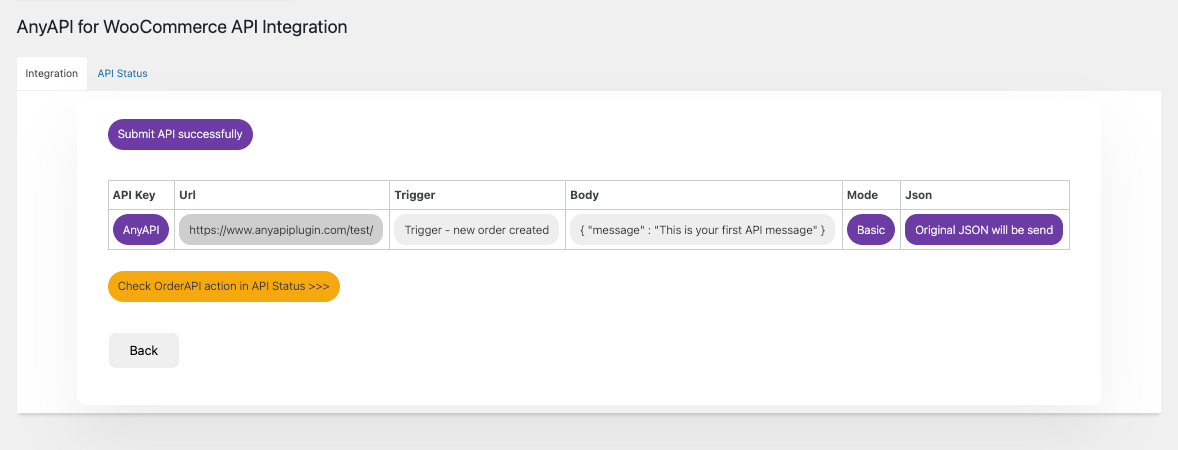
Once you save your integration, you can immediately test it. If the API call fails or you need to inspect the payload being sent, you can Troubleshoot your API Integration using the Logs section of the plugin dashboard