
WooCommerce order triggers control when another team or system receives order data. Choose the event that matches when the receiving team can act. Use order placement when the team needs early visibility, payment confirmation when work depends on payment, and a status change when the next step depends on an order reaching a specific stage.
Imagine a customer places an order at 10:00 and completes payment at 10:15. Later, the team marks the order complete after dispatch. Those three moments can serve three different teams, even though they all concern the same order.
WooCommerce order triggers for new orders
An order placement trigger suits a workflow that starts as soon as the store receives an order. For example, customer service can review a delivery note while payment is still pending. If the notification reaches anyone who might start packing or shipping, include the order’s payment or status information so they know what action to take.
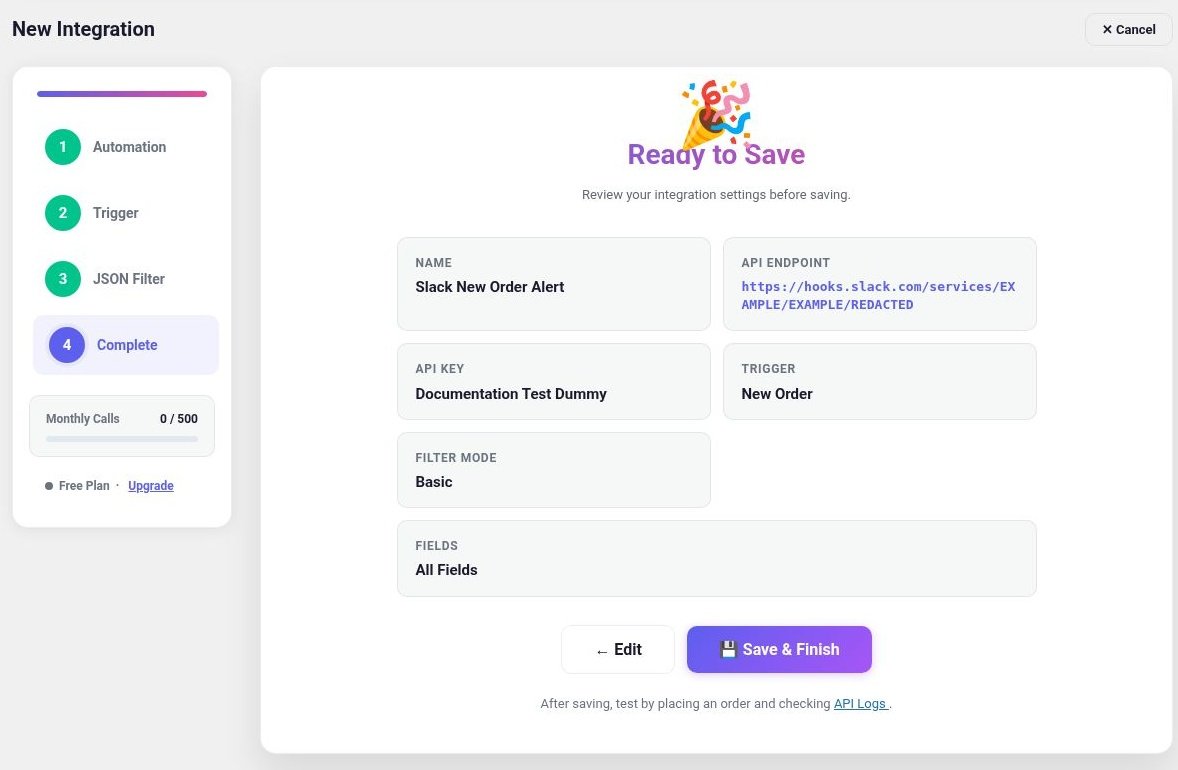
In AnyAPI, the documented New Order trigger applies to orders created in Pending status. Test it with the checkout and payment methods your store actually uses.
Order paid: Start work once payment is confirmed
Choose payment confirmation when the receiving team should wait for payment before acting. In the example, the warehouse gets its packing notification at 10:15. If the customer never pays, the warehouse should never receive that notification.
If you configure this workflow using AnyAPI’s Processing trigger, verify that the order enters Processing at the point your business treats payment as confirmed. Processing is an order status. The official WooCommerce order status guide explains how Pending payment, On hold, and Processing differ. Test how each relevant payment method moves orders through those statuses before relying on Processing for fulfilment.
Status changed: Hand off work at a specific stage
Use a status change when the next step depends on an operational milestone. For example, if your team marks orders Completed after dispatch, an integration triggered by that transition can tell a downstream system that the order has shipped.
AnyAPI’s Watch Orders trigger sends a request each time the order changes status. That can suit a system that needs lifecycle updates. For a one-time handoff, choose a specific status trigger where available and check whether re-entering the same status could repeat the action.
How to test WooCommerce order triggers before going live
When comparing WooCommerce order triggers, start with a test order that lets you separate placement from payment. Check the destination immediately after placing the order, again after confirming payment, and once more after the relevant status change. Compare what arrived at each step with what the receiving team actually needs. For a payment-gated workflow, also test an order that remains unpaid.
Keep the same order ID when you check for repeat deliveries. If a second message could create another fulfilment task or record, test how the destination handles it. Use the AnyAPI Order API setup guide to check the available triggers and the API Logs and Troubleshooting guide to inspect delivery attempts.
